Claim your link
Get linkcardly.com/yourname.
Check if your name is free. Next you'll add your details and pick a design.
Your link stays the same for good, even when you change your design.
What happens next
From name to live card.
Claim your name
Check it's free, then continue to the builder.
Add your details
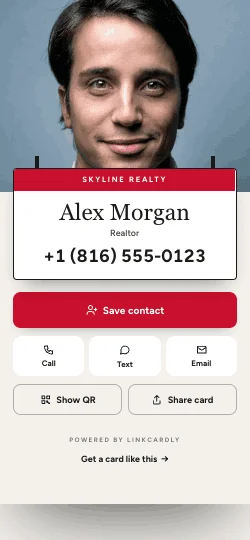
Photo, contact, socials. The preview updates as you type.
Pick a design
Choose one made for your trade.
Pay and go live
Your card goes live and we email your private edit link.
Choosing a name
Make it easy to say and type.
- Use your name or businessFor example samcarter, carterlaw or skylinerealty.
- 3 to 30 charactersLowercase letters and numbers, with dashes between words if you like.
- Yours for goodYour link stays the same when you change your design or details.
FAQ
About your link.
Will my link ever change?
No. linkcardly.com/yourname stays the same for good, even when you change your design or details.
Do people need an app to see my card?
No. Your card is a web page, so it opens in the browser on any phone or computer when someone taps your link, scans your QR code or taps your NFC card.
What happens when my year is up?
We email you before your renewal date. Renew to keep your link and QR code working. If you need a little time, your card stays live for 15 days after the renewal date.